RPE Calculator

Overhead Press RPE Calculator

Calculate your 1RM and percentage targets specifically for the Overhead Press using RPE.

RTS Method
Science-Backed
Instant Results
Plate Rounding
  • lbs
  • kg
  • RPE 6
  • RPE 6.5
  • RPE 7
  • RPE 7.5
  • RPE 8
  • RPE 8.5
  • RPE 9
  • RPE 9.5
  • RPE 10
  • 1.25 lbs
  • 2.5 lbs (Standard)
  • 5 lbs
  • Exact math (no rounding)

How it works

Follow the exact steps to get your result instantly and privately.

Step 1

Step 1: Enter your last set

Type the weight you lifted, the reps you completed, and the RPE that set felt like. RPE is how hard the set was on a 1–10 scale.

A person doing deadlifts in a gym

RPE (Rate of Perceived Exertion) in weightlifting refers to how hard a set feels on a scale from 1-10. An RPE of 10 means maximal effort with no reps left in reserve, RPE 9 means you could have done one more rep, RPE 8 means two more reps, and so on. This system helps powerlifters and strength athletes optimize training intensity based on daily performance capacity.

Our RPE calculator helps you determine appropriate weights across different rep ranges and RPE targets based on your recent performance. For example, if you know you can lift 225 lbs for 5 reps at RPE 8, this calculator will tell you what weight to use for 3 reps at RPE 9, or any other combination. This is invaluable for planning training sessions that provide optimal stimulus without excessive fatigue.

The Gravitus app allows you to track your RPE for every set, helping you make data-driven decisions about your training. The app will automatically calculate your estimated 1RM based on your RPE inputs and show your progression over time, making it easy to ensure continued progress while managing fatigue effectively.
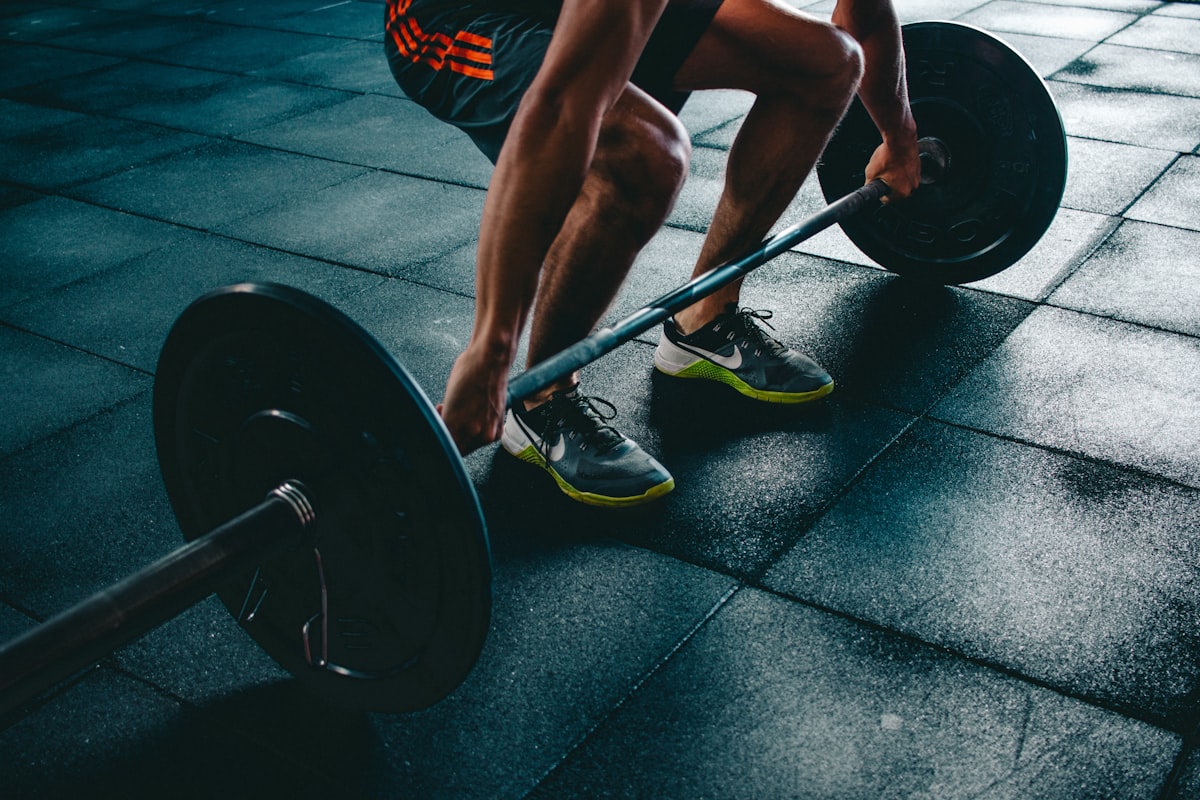
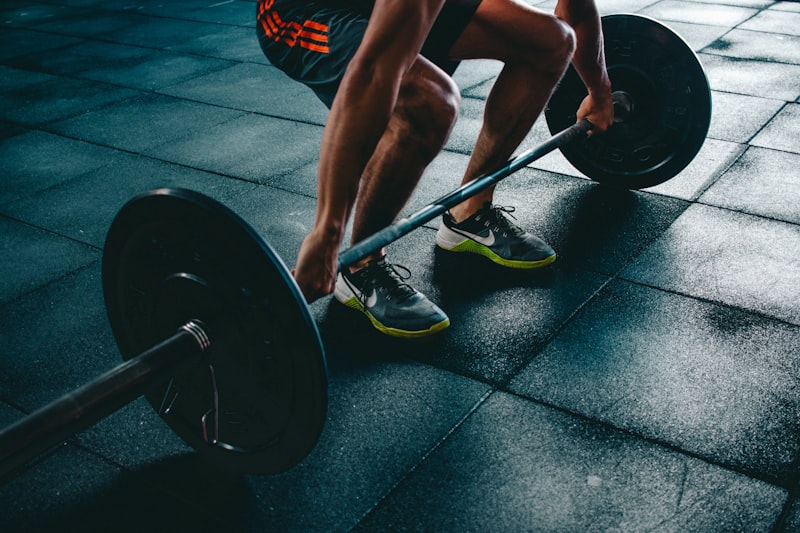
Heavy barbell ready for squat

The Rate of Perceived Exertion (RPE) system has revolutionized strength training by providing a subjective method to quantify workout intensity. Originally popularized for weightlifting by powerlifting coach Mike Tuchscherer through his Reactive Training Systems (RTS) methodology, RPE gives athletes a way to autoregulate training based on daily readiness.

  • Adapts to daily readiness and recovery status
  • Accounts for outside stressors affecting performance
  • Works without knowing your exact 1RM
  • Prevents overtraining by adjusting intensity appropriately
  • Improves mind-muscle connection and effort awareness
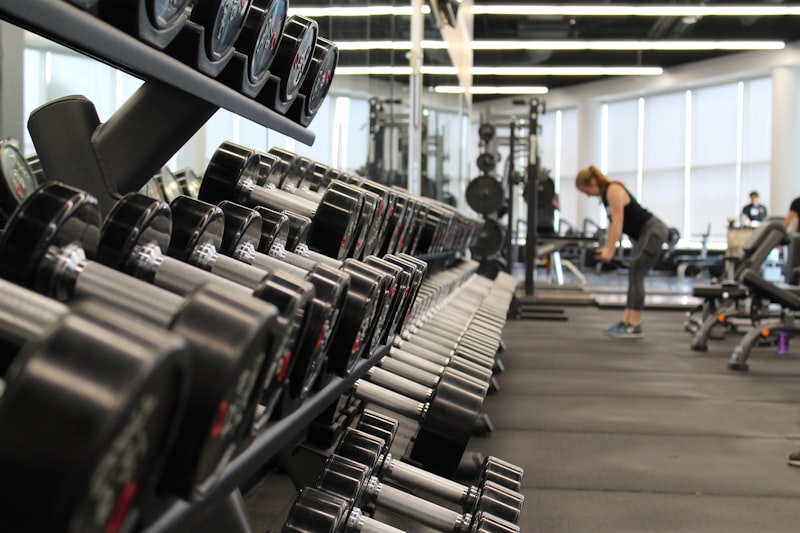
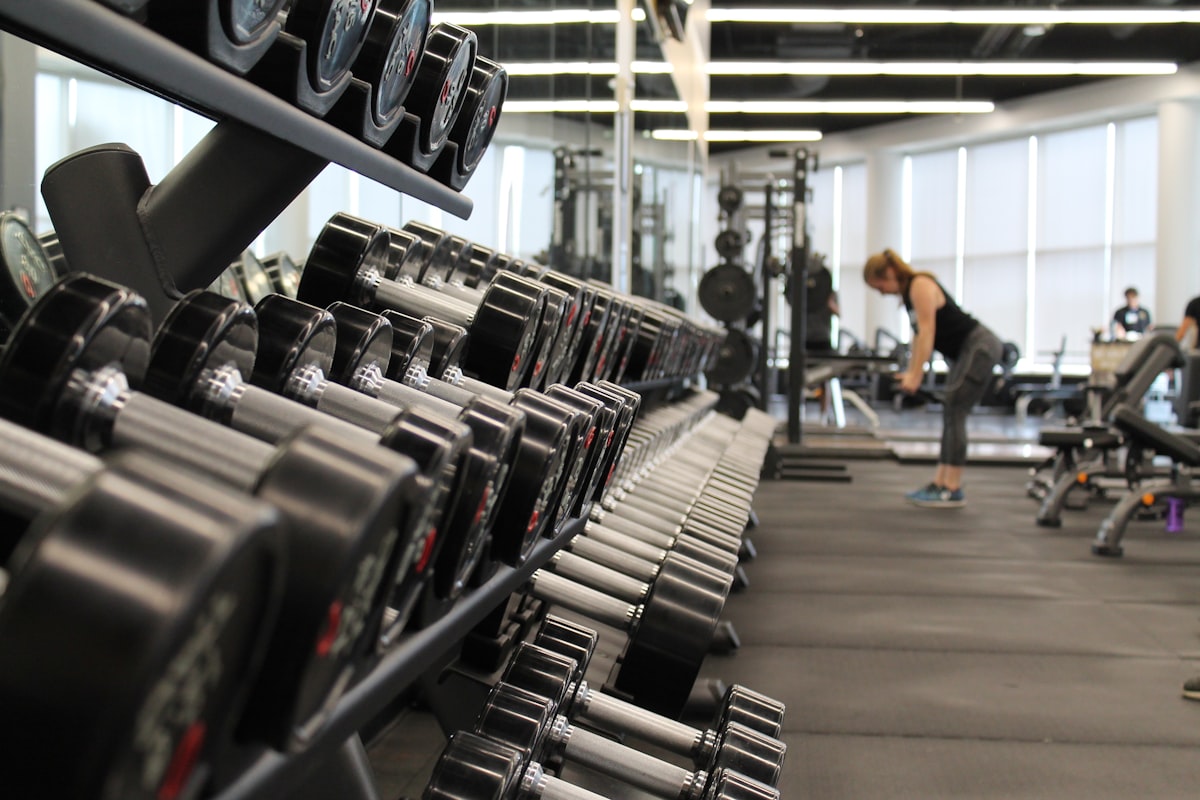
Gym equipment and dumbbells

Our calculator uses the RPE percentages developed through Reactive Training Systems to determine weights across different rep ranges. The process works in two steps:

Calculate e1RM: First, we determine your estimated one-rep max (e1RM) based on the weight, reps, and RPE you input. For example, 200 lbs for 5 reps at RPE 8 might indicate an e1RM of approximately 240 lbs.

Generate RPE chart: Using your e1RM as a reference point, we calculate the appropriate weights for all rep/RPE combinations using established percentage charts.

While these calculations provide reliable estimates, remember that individual performance can vary based on training history, exercise selection, and daily fluctuations. Use the calculator as a guide rather than an absolute prescription.

Auto-Regulation

Adjust training intensity based on daily readiness

Target RPEs

Use lower RPEs (6-8) for technique work and higher RPEs (8-10) for strength development

Progress Tracking

Use Gravitus to track RPE over time for consistent strength gains

Periodization

Plan RPE waves across training blocks for optimal strength and recovery

How RPE-Based Load Calculation Works

The RTS table maps every combination of reps (1–10) and RPE (6–10) to a percentage of your one-rep max. At RPE 10 a single rep equals 100% of your max, and at RPE 8 a set of five reps sits around 77.5%. Mike Tuchscherer of Reactive Training Systems built the table from empirical powerlifting data so that any honest set can be placed on the same percentage scale. Estimating your 1RM is then simple division: take the weight you lifted and divide it by the table percentage for your reps and RPE. Because the percentage already accounts for how hard the set felt, this estimated max adjusts for daily readiness instead of assuming a fixed relationship between reps and your true max. To pick a target weight, multiply your estimated 1RM by the table percentage for the reps and RPE you want to hit next. This tells you exactly what to load for any desired training stimulus, whether that is a heavy single, a moderate triple, or a higher-rep hypertrophy set.

RPE Intensity Meter

Interactive

Tap or hover any level below

Calculation Formulas

e1RM = Weight Γ· RPE_Table[reps][RPE]
Target Weight = e1RM Γ— RPE_Table[target_reps][target_RPE]
RIR = 10 βˆ’ RPE
Worked Example

Set: 140 kg Γ— 5 reps @ RPE 8. Table lookup: 5 reps @ RPE 8 = 77.5%, so e1RM = 140 Γ· 0.775 = 180.6 kg. For a next set of 3 reps @ RPE 9 (87.5%), target weight = 180.6 Γ— 0.875 = 158 kg.

Worked examples

Sample scenarios and their calculated results
ScenarioCalculationResult
Lifter A β€” squat top set200 kg Γ— 3 reps @ RPE 9 β†’ 200 Γ· 0.875e1RM β‰ˆ 228.6 kg
Lifter B β€” bench, target next set100 kg Γ— 4 @ RPE 8 β†’ e1RM 125 kg, target 2 @ RPE 8 (86%)Target β‰ˆ 107.5 kg
Lifter C β€” deadlift backoff220 kg Γ— 2 @ RPE 9 β†’ e1RM 241.8 kg, backoff 4 @ RPE 8 (80%)Backoff β‰ˆ 192.5 kg
Lifter D β€” competition openersingle @ RPE 8 β†’ 90% of max; e1RM 250 kg Γ— 0.90Opener β‰ˆ 225 kg
Lifter E β€” hypertrophy set60 kg Γ— 10 @ RPE 7 (60%) β†’ 60 Γ· 0.60e1RM β‰ˆ 100 kg

Conversion reference

RTS RPE to % 1RM reference table (Tuchscherer chart). Find reps on the left, RPE across the top.
RepsRPE 7RPE 7.5RPE 8RPE 8.5RPE 9RPE 10
185.0%87.5%90.0%92.5%95.0%100.0%
281.0%83.5%86.0%88.5%91.0%95.5%
377.5%80.0%82.5%85.0%87.5%92.0%
475.0%77.5%80.0%82.5%85.0%89.0%
572.5%75.0%77.5%80.0%82.5%86.5%
670.0%72.5%75.0%77.5%80.0%84.0%
767.5%70.0%72.5%75.0%77.5%81.5%
865.0%67.5%70.0%72.5%75.0%79.0%
962.5%65.0%67.5%70.0%72.5%76.5%
1060.0%62.5%65.0%67.5%70.0%74.0%
DID YOU KNOW?

Quick facts

Frequently asked questions